
The Best Chrome Extensions & Web Tools for Designers and Creators
Boost your productivity with 5 powerful extensions. EpicWebTool gives you free access to screen recording, design tools, and audio enhancement — all in one place
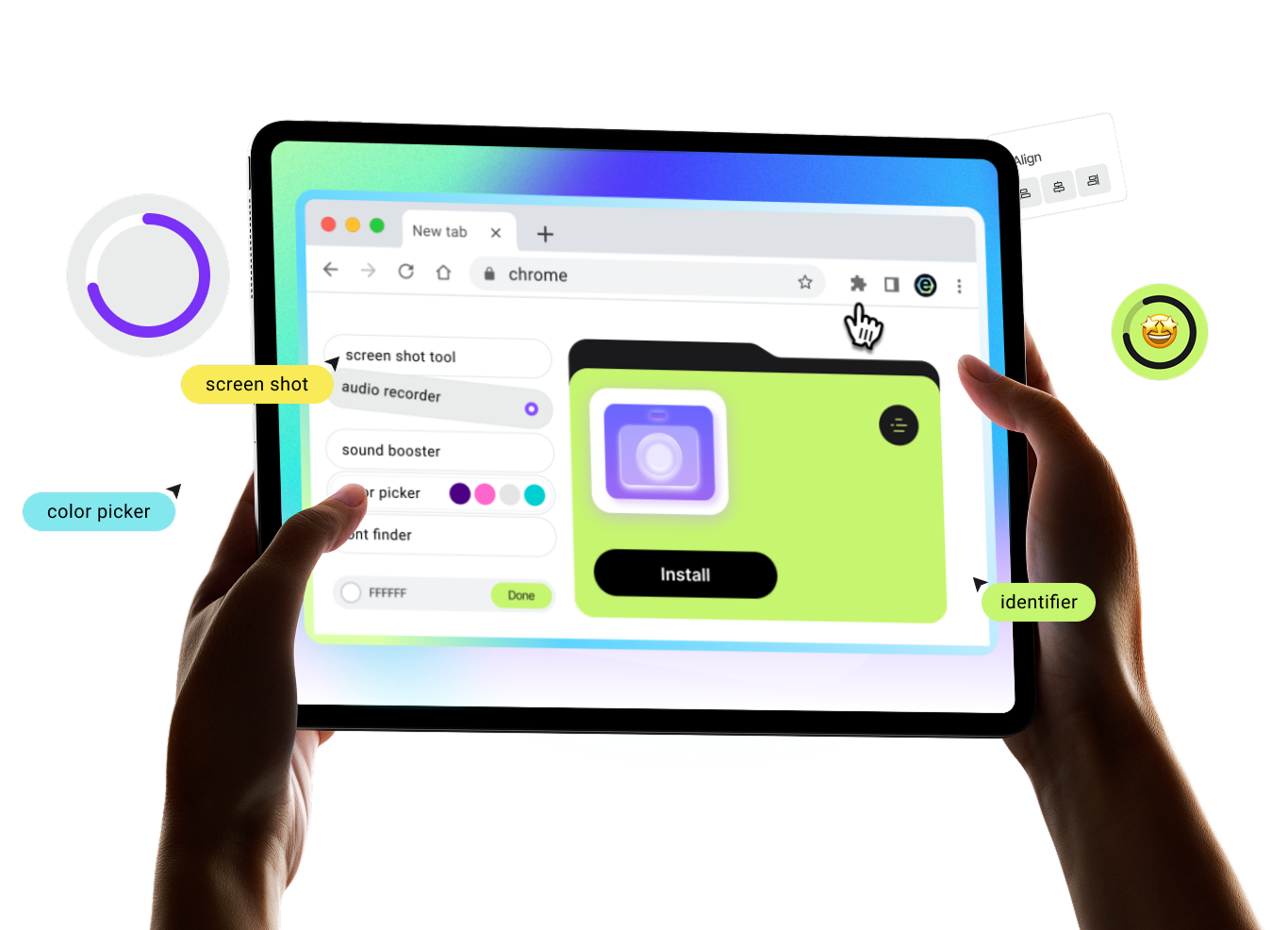
Trusted Tools for Your Everyday Browser Workflow
Screenshots, screen and audio recording, color and font picking, and sound enhancement — all utilities are expert-tested and designed to help you complete tasks without complex setups or extra software


Stop paying for basic features
Free access to all features, no watermarks, and full privacy — the perfect alternative to Loom, ColorZilla, and other tools
Simplicity & Speed
Ready to use instantly: choose the tool you need and start working in just a few clicks


10,000+ Active Users
Reliable Performance

No Limits
No payments for basic features, no watermarks, and unlimited tool usage

Privacy First
Your data stays yours — no tracking, no data collection, and no selling to third parties

Resources & Insights
Work faster and smarter. Discover step-by-step guides, expert comparisons, and proven methods to maximize your browser’s efficiency

The Chrome Extension Safety Myth: Why Vetting Isn’t Forever
Does a 'vetted' badge guarantee lifetime safety? Discover why Chrome extension updates and ownership changes can turn trusted productivity tools into spyware risks.

Web Tools Weekly: Extension Security and Audit Checklist
Explore this week's Web Tools Weekly: the rise of ownership-flip malware, new Chrome enterprise controls, and a practical 15-minute extension audit checklist.

Minimal Secure Chrome Setup for Deep Work: Extension Guide
Transform your browser into a deep work tool. Learn the essential Chrome extension stack, vetting checklist, and privacy tips for a distraction-free workflow.
Got Questions? We’ve Got Answers
Yes. You can use all core features for free — no hidden fees or trial periods.
Installation takes just seconds. Simply add the extension from the browser store — no registration or setup required.
Yes. You can easily disable or completely remove the extension in your browser settings at any time.
Yes. We follow a privacy-first approach — no recordings, videos, or personal data are sent to third-party servers without your consent.
The tool works directly in your browser and is compatible with Windows, macOS, and Chromebook — no additional software required.

You’re Just 3 Clicks Away from Better Productivity
Our step-by-step guide makes it easy to launch and use trusted tools for maximum efficiency
Step 1
Add to Chrome
Choose the tool you want and click "Install." It's free
Step 2
Pin the Icon
Click on the "Puzzle" icon in your browser and pin the icon for quick access
Step 3
Boost Workflow
Activate the extension with one click when you need it
Unlimited Browser Productivity
Whether you're recording a Google Meet call, picking colors from Dribbble, or boosting volume on Netflix — our tools are optimized for the web's most popular sites.


