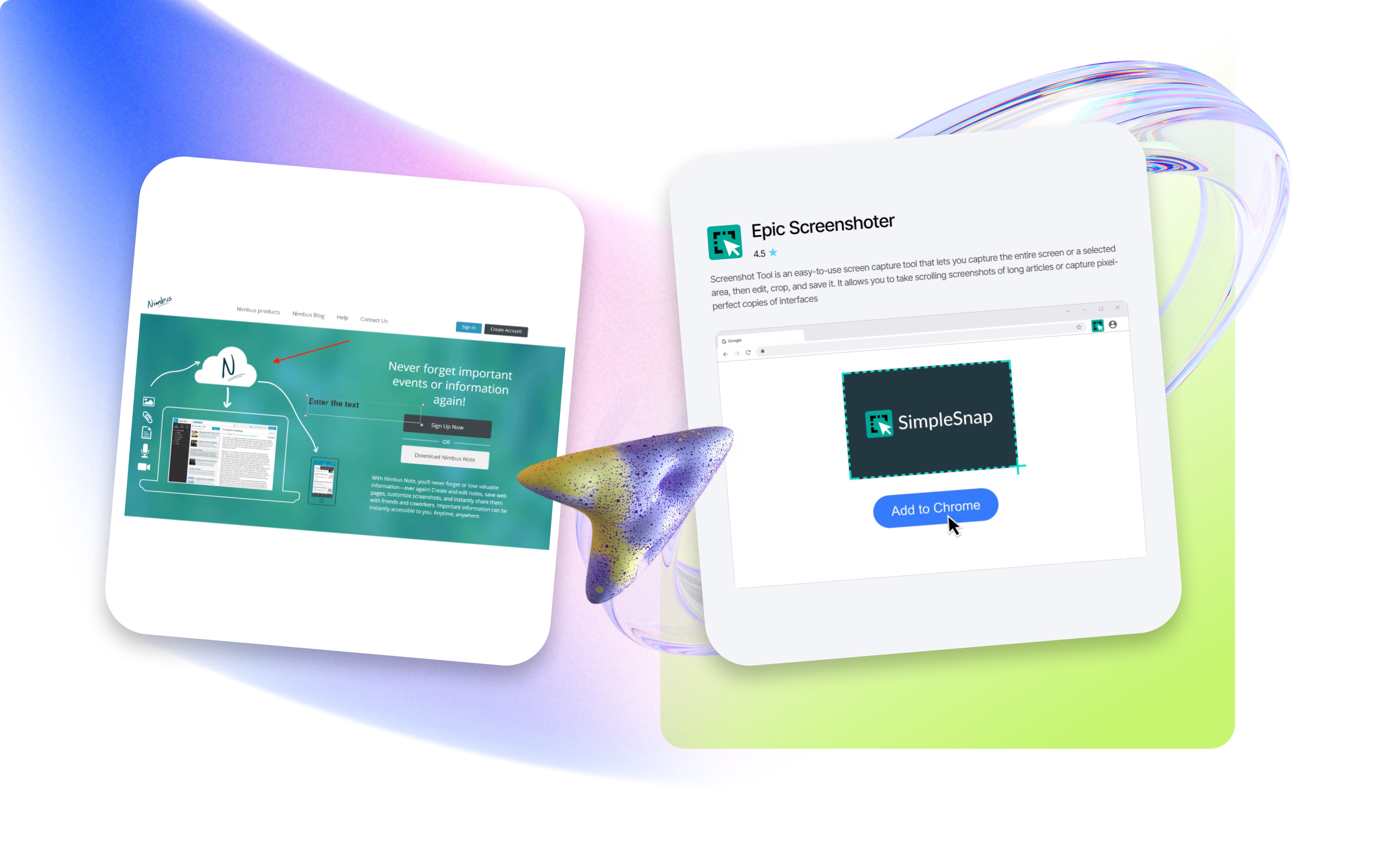
Screenshot Plugin for Google Chrome
Want to create fast and high-quality screenshot capture files? Choose reliable tools on our platform.
Extensions for creating screenshots in Google Chrome
EpicWebTool exists to help users separate high-quality products from marketing noise. We bring together expert comparisons, in-depth quality validation, a curated catalog of trusted tools, and proprietary products created under the guidance of founder Lars Erik Rydberg.
Popular Chrome plugins for full-page screenshots include GoFullPage, Full Page Screenshot, ScreenshotOne, FireShot, Awesome Screenshot, and Lightshot. These tools allow users to capture full-length screenshots in high resolution, which is especially useful for design analysis, content archiving, and information sharing.
Fast whole-page capture
Key benefits of using entire page screen capture extensions include:
- capturing the full scrolling page automatically;
- built-in editing tools for adding annotations, arrows, text, shapes, and blurring sensitive information without third-party editors;
- instant saving in JPG, PDF, or PNG formats;
- convenient sharing via direct links or cloud storage;
- workflow automation and increased productivity.
Full-page screenshot applications are widely used by web designers, developers, marketers, and other professionals who regularly work with visual web content.