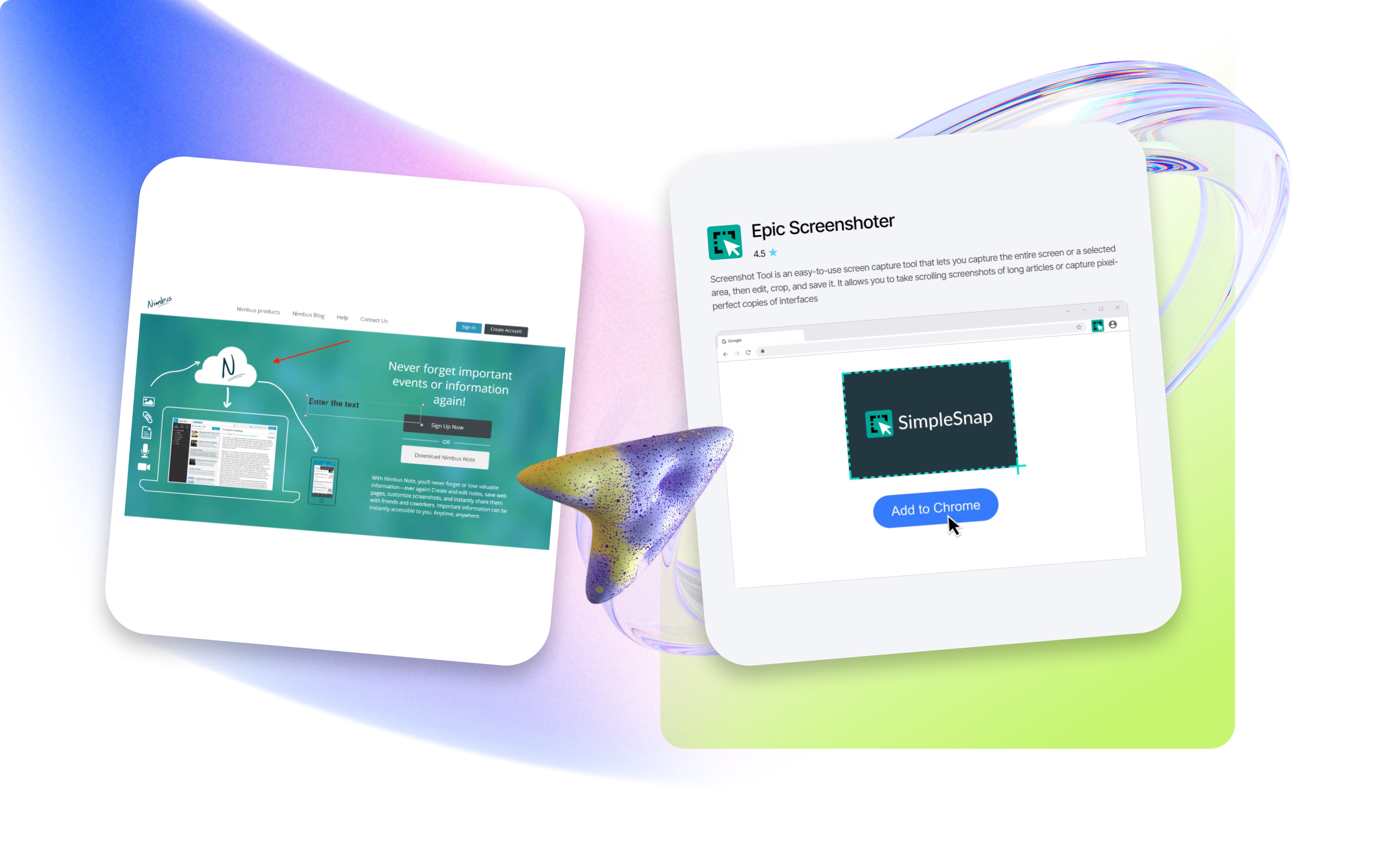
Screen Capture App for Mac
We offer high-quality screenshot applications that have been tested and approved by experts. The independent platform EpicWebTool was created to help users, teams, and businesses choose the best truly effective and user-friendly web tools – not random products driven by marketing promises.
We are not a marketplace. We are an expert benchmark and a trust filter.
Our platform brings together:
- expert comparisons;
- in-depth quality validation based on technical and product criteria;
- a curated catalog of vetted tools;
- proprietary products created under the guidance of Lars Rydberg.
Download an application tailored to your needs
A screen capture app for Mac is software designed with the following key capabilities:
- capturing full-screen or selected-area screenshots;
- recording screen video (webinars, calls, tutorials, gameplay);
- editing features such as trimming video and adding arrows, lines, and text overlays;
- saving files in multiple formats (MP4, MOV, and others) with quick sharing to social platforms;
- recording audio from multiple sources and displaying the mouse cursor.
We offer only high-quality tools
Popular solutions include both the built-in macOS screenshot tool and third-party applications such as Movavi Screen Capture Pro, Apeaksoft Screen Recorder, and Screen Capture Lite. Advanced software provides expanded capabilities for professional content creation.
When choosing the most suitable free Mac screen recording software, consider the following:
- screen recording options;
- ease of use and interface clarity;
- editing capabilities;
- sharing and collaboration features;
- compatibility with your system.
If a free Mac screen capture application meets your standards and workflow requirements, it’s the right choice.
EpicWebTool helps you confidently select reliable, expert-approved tools – based on real experience, not trends.