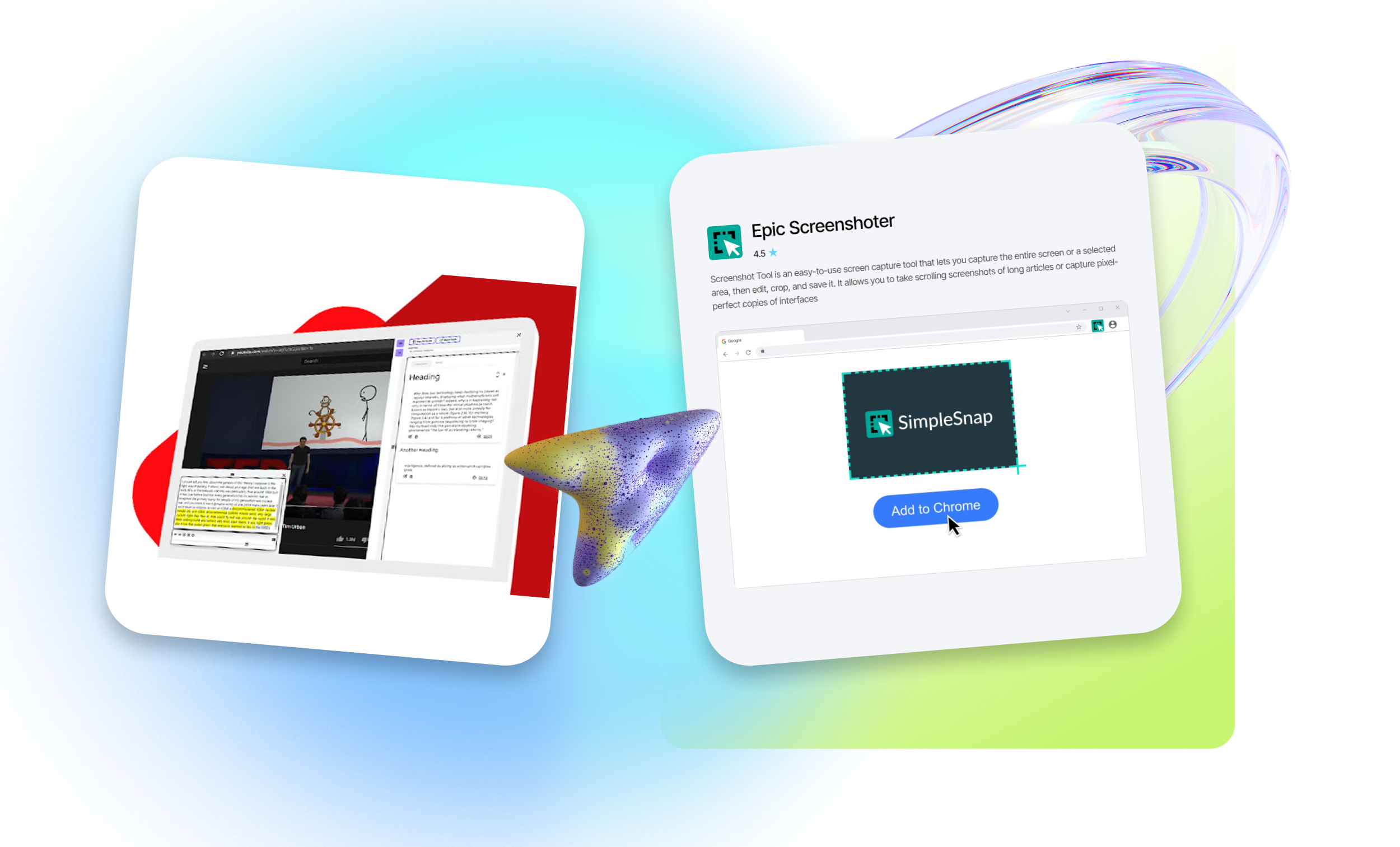
BEST Snipping Tool for Chromebook
Browser extensions provide real value by automating routine tasks, saving time, increasing productivity, and improving both comfort and security while browsing the web.
However, it’s important to remember that some extensions may collect personal data. That’s why we recommend installing only verified add-ons. EpicWebTool is an educational and independent expert platform in the web applications and browser tools space. It was created to help users, teams, and businesses choose the best truly high-quality web tools – not random products driven by marketing promises.
Want to add new features to Google Chrome?
Choose reliable, thoroughly tested extensions on our platform, including screenshot applications.
What is a Google Chrome extension? It’s a lightweight software add-on (plugin) installed in the browser to introduce new features, customize the interface, and improve the user experience. Extensions are built using web technologies and allow users to personalize their browsing environment – whether for work or study – block ads, check spelling, or automate repetitive tasks.
We offer the best tools for creating screenshots on Chromebook
Snip Smarter is a specialized Google Chrome extension that:
- allows you to capture full pages or selected screen areas, highlight elements, and add text, arrows, and annotations;
- enables fast sharing of screenshots, enhancing standard system capabilities;
- is ideal for creating instructions or emphasizing important information.
Snip Smarter is designed as a functional snipping tool for easy, intuitive creation, editing, and annotation of screenshots on Chromebook.