Home
EpicWebTool Comparisons Epic Screen & Audio Recorder vs Snagit

Digital Content Capture — The Snagit Alternative

Record your screen, camera, and microphone audio quickly, privately, and without complicated setup
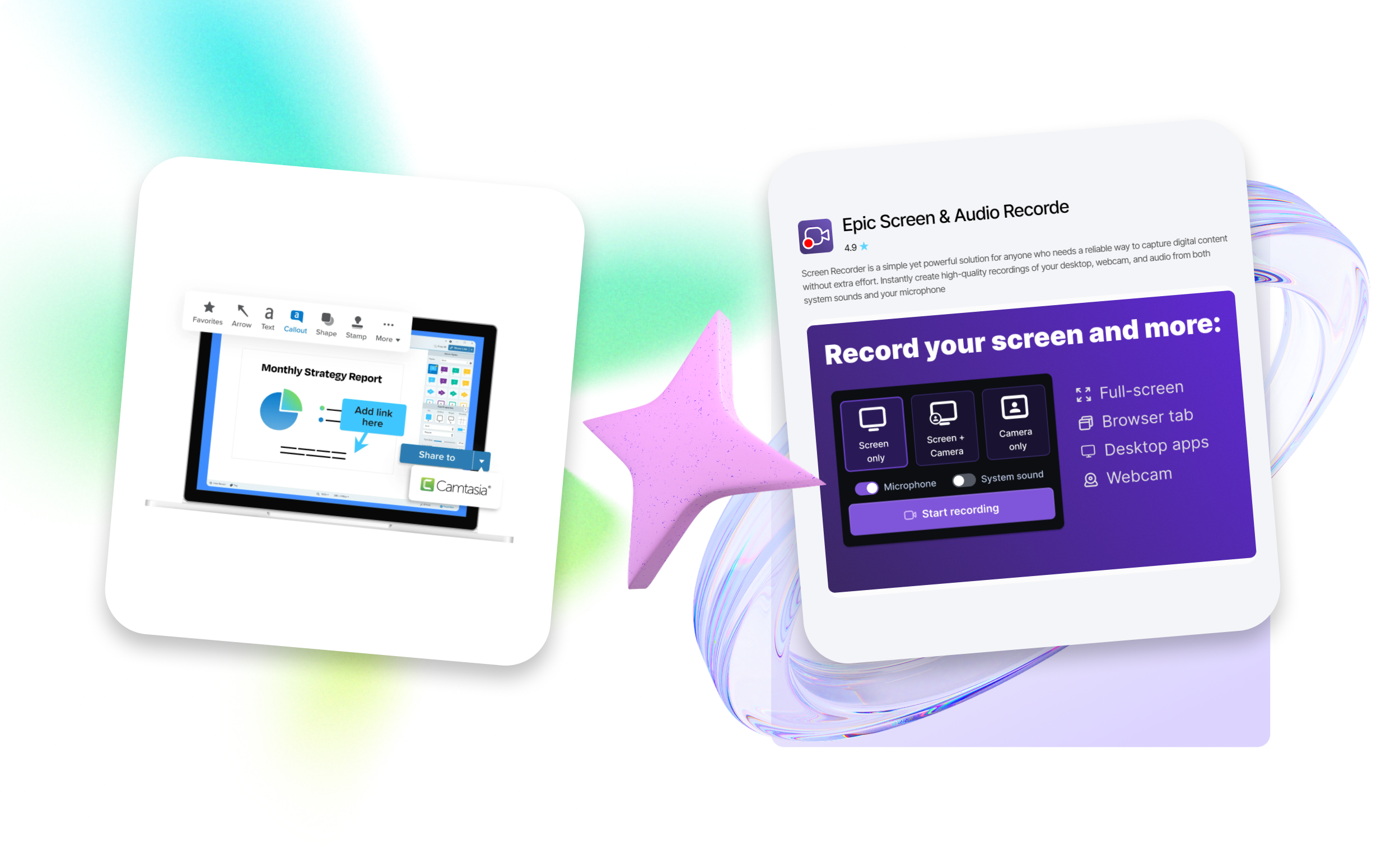
Digital Content Capture — The Snagit Alternative

Comparison Table

Epic Screen & Audio Recorde Snagit
Screen recording with audio Yes Yes
Camera recording (picture-in-picture) Yes Yes
HD recordings with no watermarks Yes No
Simple, fast workflow — no accounts needed Yes No
Lightweight and private tool Yes No

Tool Key Features

Versatile Recording Options

Record full screen, individual browser tabs, specific apps, or add Facecam for personalized videos

HD Recording with Audio Made Simple

Capture microphone and system sound instantly in high definition, no watermarks, no sign-ups, no complicated settings

Cross-Platform & Easy Integration

Works on Windows, macOS, and Chromebook directly in your browser with an intuitive, lightweight interface

Ready to upgrade your workflow?

Stop settling for outdated tools. Get the ColorPicker alternative made for efficiency.

Install Color Picker for Chrome

Got Questions? We’ve Got Answers

Yes. You can use all core features for free — no hidden fees or trial periods.

FAQ illustration

EPIC Screen & Audio Recorder vs Snagit

Looking for a reliable screen recorder tool? On the EpicWebTool platform, you’ll find high-quality Chrome extensions as well as proprietary products created under the guidance of founder Lars Rydberg. We serve as an expert benchmark and only recommend solutions proven through real-world experience.

Choose an extension that fits your needs

Snagit screen recording is a powerful application that:

Key features of Snagit for PC include screen capture, video recording, editing, text extraction from images for copying, convenient asset management, ready-made templates and capture profiles to speed up workflows, seamless integrations (export to files, clipboard, cloud services, email sharing, and short link generation), and an intuitive interface.

Scrolling capture for full-page screenshots

Snagit is a versatile tool for creating visual content, training materials, videos, tutorials, presentations, and documentation. It is widely used by IT professionals, QA testers, managers, trainers, bloggers, and active users of forums and social media.

The scrolling capture feature is ideal for capturing full web pages, long documents, chats, or windows that extend beyond the visible screen area. It automatically scrolls the content and stitches it into a single long image or video, saving time and ensuring complete captures.