
Take Screenshots Smarter — The FireShot Alternative
Capture, edit, and annotate screenshots faster and more efficiently — no extra steps or menus
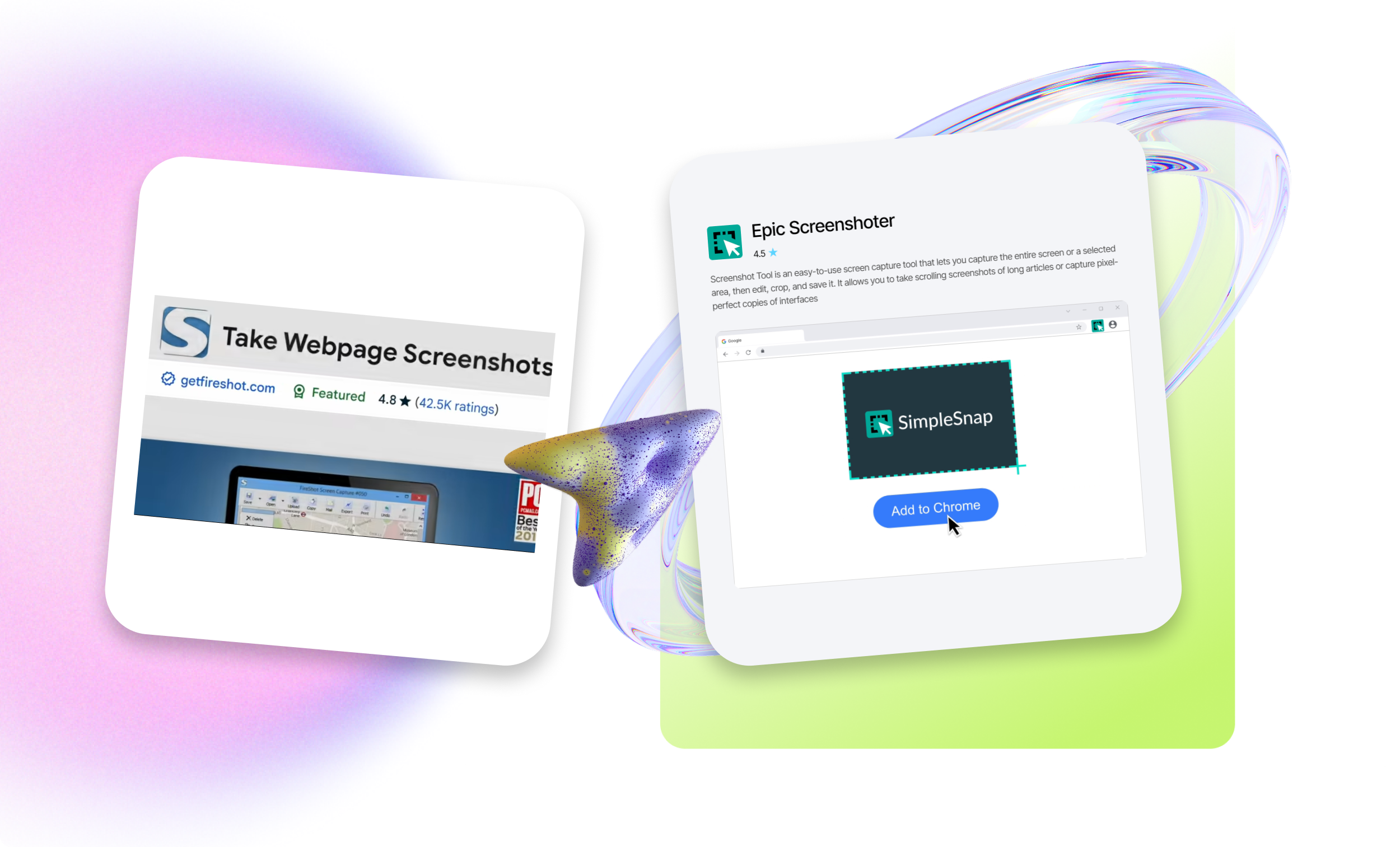
Comparison Table
| Epic Screenshoter | FireShot | |
|---|---|---|
| Full-page scrolling capture | Yes | Yes |
| Select a specific area of the screen | Yes | Yes |
| Built-in editing: annotations, text, cropping | Yes | Pro-version |
| Fast and simple workflow | Yes | No |
| Minimalist and lightweight tool | Yes | No |
Tool Key Features
Versatile Capture Modes
Supports full page, scrolling, visible area, and selection — while GoFullPage mainly focuses on full-page screenshots
Built-In Editing Without Premium Barriers
Annotations, cropping, and markers are available immediately — no paid version needed for basic tasks
Designed for Daily Workflows
This tool isn’t just for “taking a screenshot” — it’s built for documentation, UI work, training, and analytics
Ready to upgrade your workflow?
Stop settling for outdated tools. Get the ColorPicker alternative made for efficiency.
Got Questions? We’ve Got Answers
Yes. You can use all core features for free — no hidden fees or trial periods.
