

Epic Screen & Audio Recorde
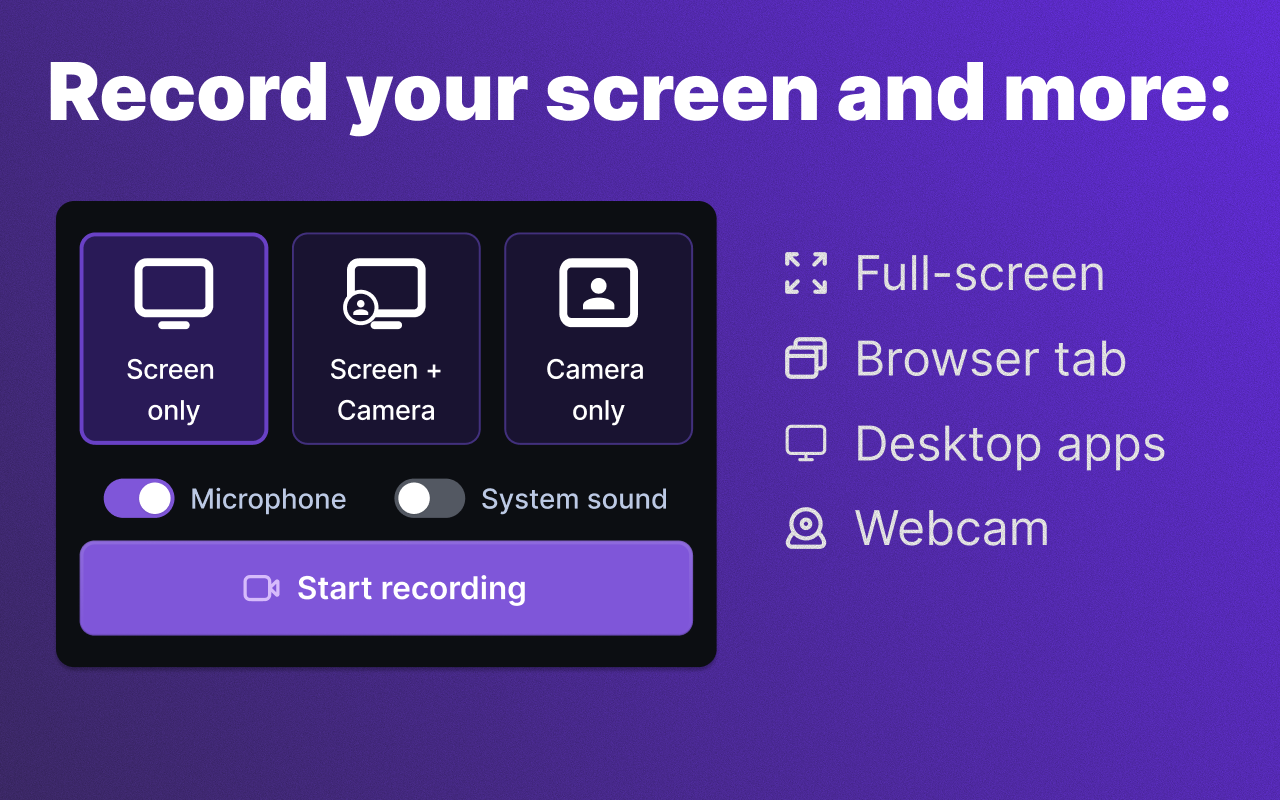
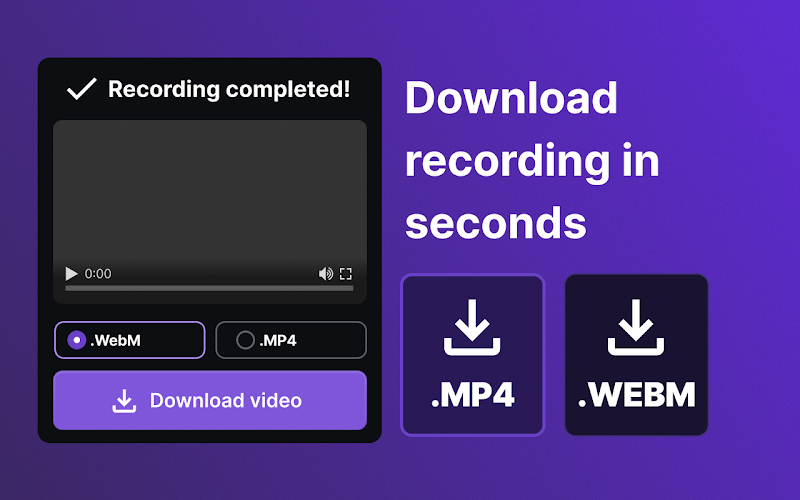
Screen Recorder is a simple yet powerful solution for anyone who needs a reliable way to capture digital content without extra effort. Instantly create high-quality recordings of your desktop, webcam, and audio from both system sounds and your microphone

What You Can Do with Screen Recorder:
Full Screen: Record your entire screen activity without limits
Browser Tabs: Focus on a specific browser tab — perfect for presentations, tutorials, or training materials
Applications: Create walkthroughs of specific apps or workflows
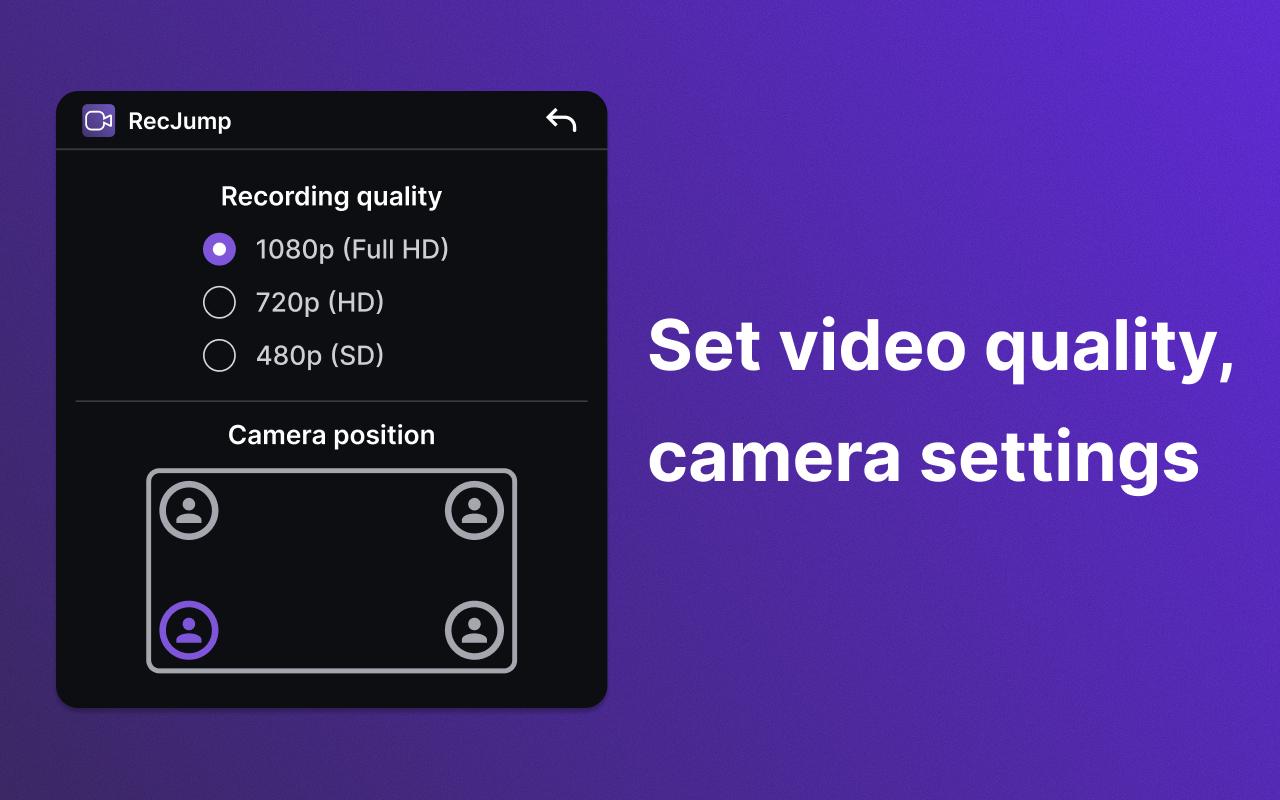
Facecam Mode: Add webcam video as an overlay on your screen recording to personalize your content
Key Benefits of Screen Recorder:
Record your voice from the microphone along with system audio
Capture screen recordings with or without microphone audio
Instantly record high-definition (HD) video
No registration, account creation, or email verification required
Works directly in your browser
Lightweight and intuitive interface
No watermarks on your videos
Screen Recorder Compatibility:
Compatible with Windows, macOS, and Chromebook
No complex setup or additional software required
How Screen Recorder Is Used:
Creating visual instructions and video tutorials
Recording video calls, conferences, and webinars
Preparing product presentations for clients
Providing quick feedback for developers (bug and error recording)
Creating content for social media and more
Screen Recorder Is Useful For:
Business: Remote workers and teams who need fast visual materials
Education: Teachers and students creating learning content
IT: Testers and developers for reporting and documentation
Online Professionals: Content creators, online coaches, and more
Screen Recorder delivers full privacy (your recordings are never uploaded to third-party servers) and maximum performance. Record with confidence, edit effortlessly, and share your results instantly
Trusted Tools for Your Everyday Browser Workflow
Screenshots, screen and audio recording, color and font picking, and sound enhancement — all utilities are expert-tested and designed to help you complete tasks without complex setups or extra software


Got Questions? We’ve Got Answers
Yes. You can use all core features for free — no hidden fees or trial periods.
Installation takes just seconds. Simply add the extension from the browser store — no registration or setup required.
Yes. You can easily disable or completely remove the extension in your browser settings at any time.
Yes. We follow a privacy-first approach — no recordings, videos, or personal data are sent to third-party servers without your consent.
The tool works directly in your browser and is compatible with Windows, macOS, and Chromebook — no additional software required.
