

Epic Font Finder
Font Finder lets you identify any font on web pages or in images within seconds. The tool provides a complete breakdown of any text — from the font family name to technical details such as letter spacing and color


What You Can Do with Font Finder:

Website Detection: Hover over text on any website to instantly see the font name, size, weight, and line height

Image Scanning: Upload a screenshot, logo, or banner, and the tool will identify which font was used in the design
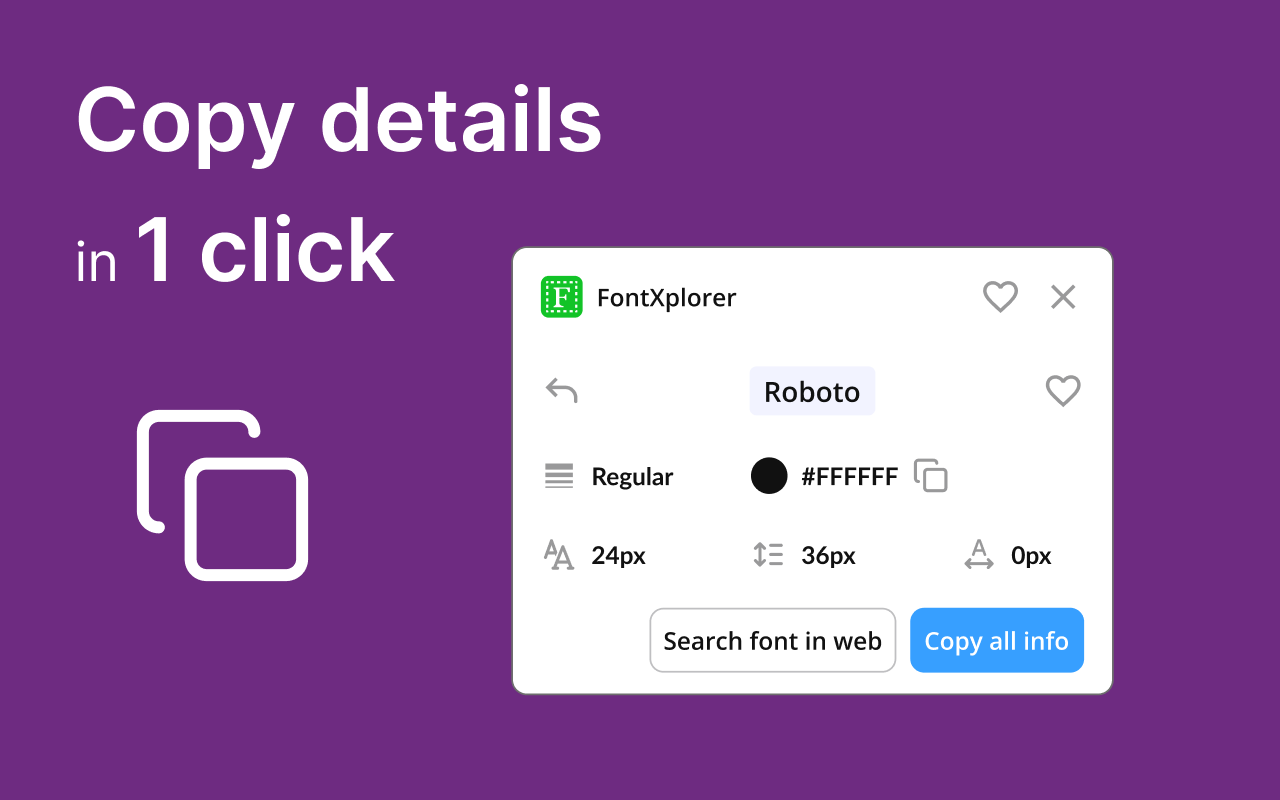
In-Depth Style Analysis: Get precise data on color (HEX/RGB), style (italic/normal), and other CSS properties for accurate style matching
Quick Font Alternatives: Not only identifies the font, but also helps you understand how to integrate it into your own project
Why Choose Font Finder?
Works on any website, regardless of layout complexity
No complicated panels — all essential information appears in a clean pop-up
Makes it easy to explore and discover new fonts for your design library
Supports Google Fonts, Adobe Fonts, and custom fonts
Font Finder Is Useful For:
Web designers and UI/UX specialists for quick competitor analysis and online inspiration
Front-end developers to instantly verify layout accuracy against design specs
Marketers and social media specialists to maintain brand consistency when creating creatives based on existing visuals
Typographers and font enthusiasts exploring modern font usage trends in real-world projects
Anyone who values aesthetics and wants to know the name of a beautiful typeface right here and now
Trusted Tools for Your Everyday Browser Workflow
Screenshots, screen and audio recording, color and font picking, and sound enhancement — all utilities are expert-tested and designed to help you complete tasks without complex setups or extra software


Got Questions? We’ve Got Answers
Yes. You can use all core features for free — no hidden fees or trial periods.
Installation takes just seconds. Simply add the extension from the browser store — no registration or setup required.
Yes. You can easily disable or completely remove the extension in your browser settings at any time.
Yes. We follow a privacy-first approach — no recordings, videos, or personal data are sent to third-party servers without your consent.
The tool works directly in your browser and is compatible with Windows, macOS, and Chromebook — no additional software required.
