Introduction
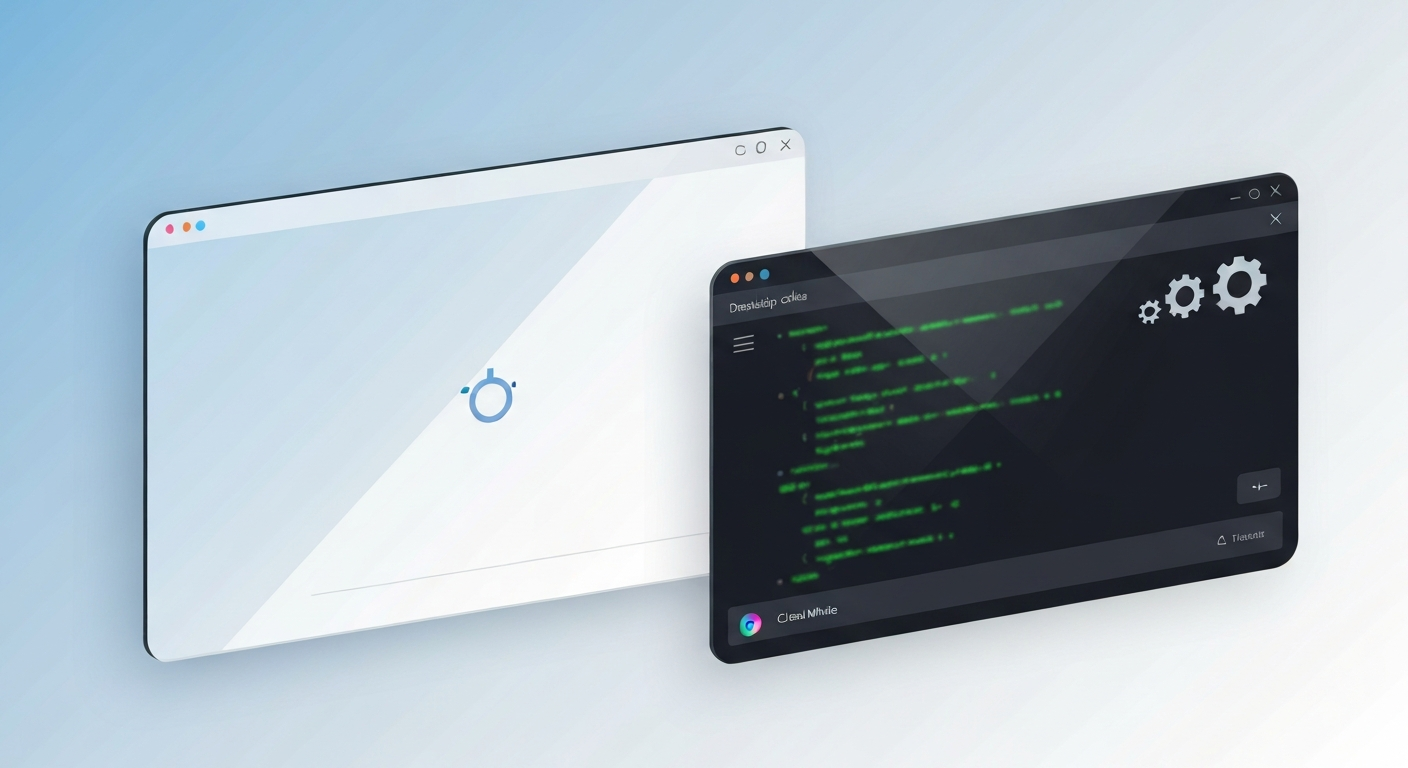
In a modern browser-bound workflow, the line between deep work and rapid experimentation is thin. A two-profile approach gives you separating rails: a Deep Work profile that stays focused and private, and a Risky Tools profile where testing, debugging, and external data sources live.
This separation reduces cognitive load, minimizes risk, and makes auditing extensions part of a repeatable routine. In this article, I’ll walk you through how to set up the two-profile workflow, what extensions belong in each profile, how to handle permissions, and a weekly cleanup routine that keeps both profiles efficient and secure. Written for professionals who depend on the browser daily, this guide offers concrete steps you can implement this week.
The Core Idea: Solving the Distraction and Security Dilemma
Today’s work often requires juggling research, coding, design ideation, and quick market checks—all in the same browser window. Without discipline, your Deep Work time gets hijacked by risky tools, noisy notifications, and endless tab cycling.
A two-profile strategy creates boundary discipline. One profile minimizes distractions and data exposure, while the other provides the freedom to explore, test APIs, and vet new tools. By design, the two profiles enforce a permission boundary: risky tools stay in a sandbox, and deep work stays clean and lean. This approach aligns with privacy, security, and workflow efficiency—crucial for marketers, developers, founders, researchers, and remote workers.
Tools, Strategies, and Practical Methods
Two profiles, two goals. Start by naming your profiles clearly: DeepWork Profile and RiskTools Profile. Use separate Google accounts for each profile to further isolate data, history, and cookies. In Chrome, create profiles via the user menu, customize a focused start page, and limit auto-launch to the intended profile.
Deep Work Profile: Essential and Distraction-Minimized
- Tab management: Use OneTab or Session Buddy to tame tab sprawl and preserve focus.
- Distraction control: StayFocusd or a lightweight equivalent to limit time on high-temptation sites.
- Privacy baseline: uBlock Origin or Privacy Badger to reduce trackers; Decentraleyes for local resource fallback.
- Reading and notes: A single unobtrusive note tool or offline-compatible clipper to keep clutter to a minimum.
- Quick task capture: A simple, fast clipboard manager or note picker integrated with your task system.
RiskTools Profile: Testing, Data, and Automation
- Developer and testing: A Web Developer toolkit, REST client (for API testing), and a user-agent switcher for environment emulation.
- Data and research: Extensions that help collect public data with explicit site permission.
- Automation and scripts: A trusted script manager like Tampermonkey for user scripts in controlled contexts.
- Cookie and session visibility: A cookie manager that allows per-site whitelisting and a secure password manager.
- Logging and debugging: Tools that log network requests or console activity for troubleshooting.
The Essential Permission Checklist
Before installing any extension, run through this checklist to maintain your security boundary:
- Data access: Does it require “read and change data on all sites”? If so, question if it is strictly necessary.
- Hardware access: Does it request clipboard, camera, or microphone access? Only approve if essential to its function.
- Data transmission: Is data transmitted off-site? Review the privacy policy for encryption and retention controls.
- Granular control: Can you disable or configure it on a per-site basis? Per-site permissions are always preferred.
- Reputation: Is the publisher reputable? Check for a transparent privacy policy and frequent update history.
Real-Work Workflow Examples
Marketing Research Workflow
In Deep Work, use OneTab to consolidate research tabs and block non-essential sites during a 90-minute sprint. In RiskTools, open social analytics dashboards and data scrapers. Keep your API keys and data pipelines here, away from your primary work environment. Gather sources, annotate findings in a note tool, and export a briefing outline when your sprint ends.
Developer Productivity Workflow
In Deep Work, keep your code docs and design references open, but disable broader testing tools to reduce noise. In RiskTools, run API tests with a REST client and use a user-agent switcher to verify behavior across environments. Draft code notes in Deep Work, then push tests to RiskTools for iteration.
Research and Organization
Use Deep Work to search, read, and synthesize without triggering experimental tooling. Use RiskTools to run literature scrapers or test data extraction scripts. Switch profiles at the start of the day to signal your brain which mode you are in, and use the weekly cleanup routine to reset your workspace.
Best Practices and Maintaining a Clean Setup
Treat the RiskTools profile as an “experiment zone.” Do not expose this profile’s data to your Deep Work environment. Use separate logins per profile to bound cross-profile data leakage. Always review permissions before installing and avoid low-quality extensions with unclear privacy statements.
The Weekly Cleanup Routine
- Sunday Evening: Audit installed extensions; disable or uninstall those unused in either profile.
- Monday: Verify permissions after updates; re-check any new extensions added during the week.
- Wednesday: Review data stored by extensions and clear caches where necessary.
- Friday: Test critical workflows in both profiles to ensure no cross-profile leakage.
- End of Month: Refresh profile boundaries and document lessons learned.
Conclusion
The Two-Profile Chrome Extension Workflow offers a pragmatic structure for modern professionals. By keeping Deep Work lean and isolating exploration to a dedicated RiskTools profile, you protect your time, data, and focus. A clear permission checklist and a disciplined weekly cleanup routine turn this approach into a reliable, scalable practice for maximum productivity.