
Screenshot Capture Extension for Chrome
Google Chrome extensions are small programs that add new functionality to the browser or simplify everyday web usage. They improve workflows, increase productivity, and enhance security and privacy.
We offer the best expert-approved extensions
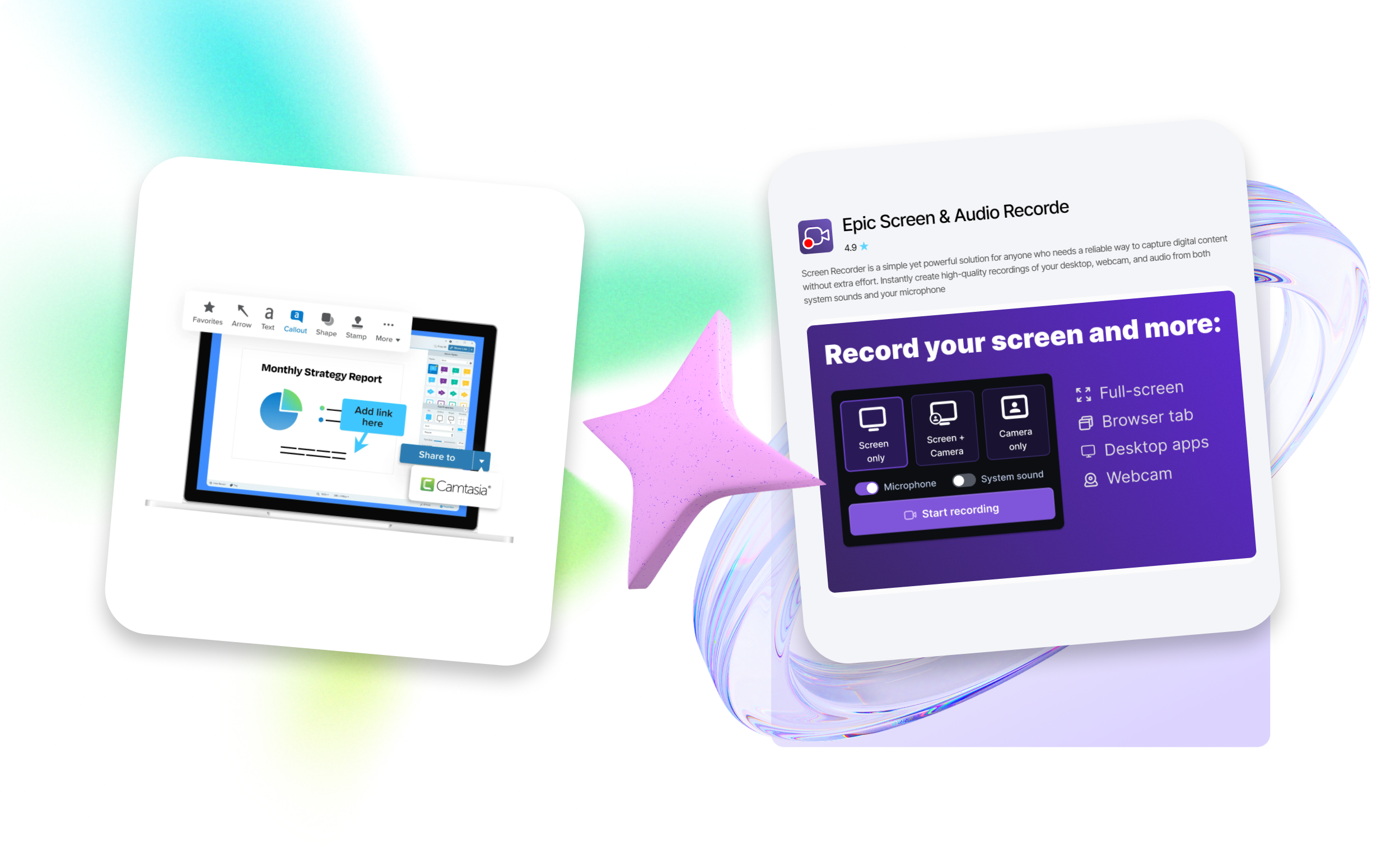
A screen capture extension is a lightweight tool installed in Google Chrome that allows you to:
- take screenshots directly while browsing (full web page, visible area, or selected region);
- edit images (add arrows, text, frames, highlight important elements, blur sensitive information);
- save files in PNG/JPG, copy to the clipboard, upload to the cloud, or share via link.
Using such extensions is convenient and practical for both work and learning. Screenshots can be created in just one click.
Download extensions for free
The educational platform EpicWebTool was founded by Lars Erik Rydberg – a product-oriented software engineer with over 15 years of experience in web applications, browser tools, and Chrome extensions. Here, you can find reliable tools for PC tailored to your specific tasks.
A screenshot capture is a function that allows you to save an image of what is currently displayed on a device screen (computer, phone, or tablet). It is commonly used to store important information (messages, images, receipts), create tutorials, and report issues quickly and clearly.























