
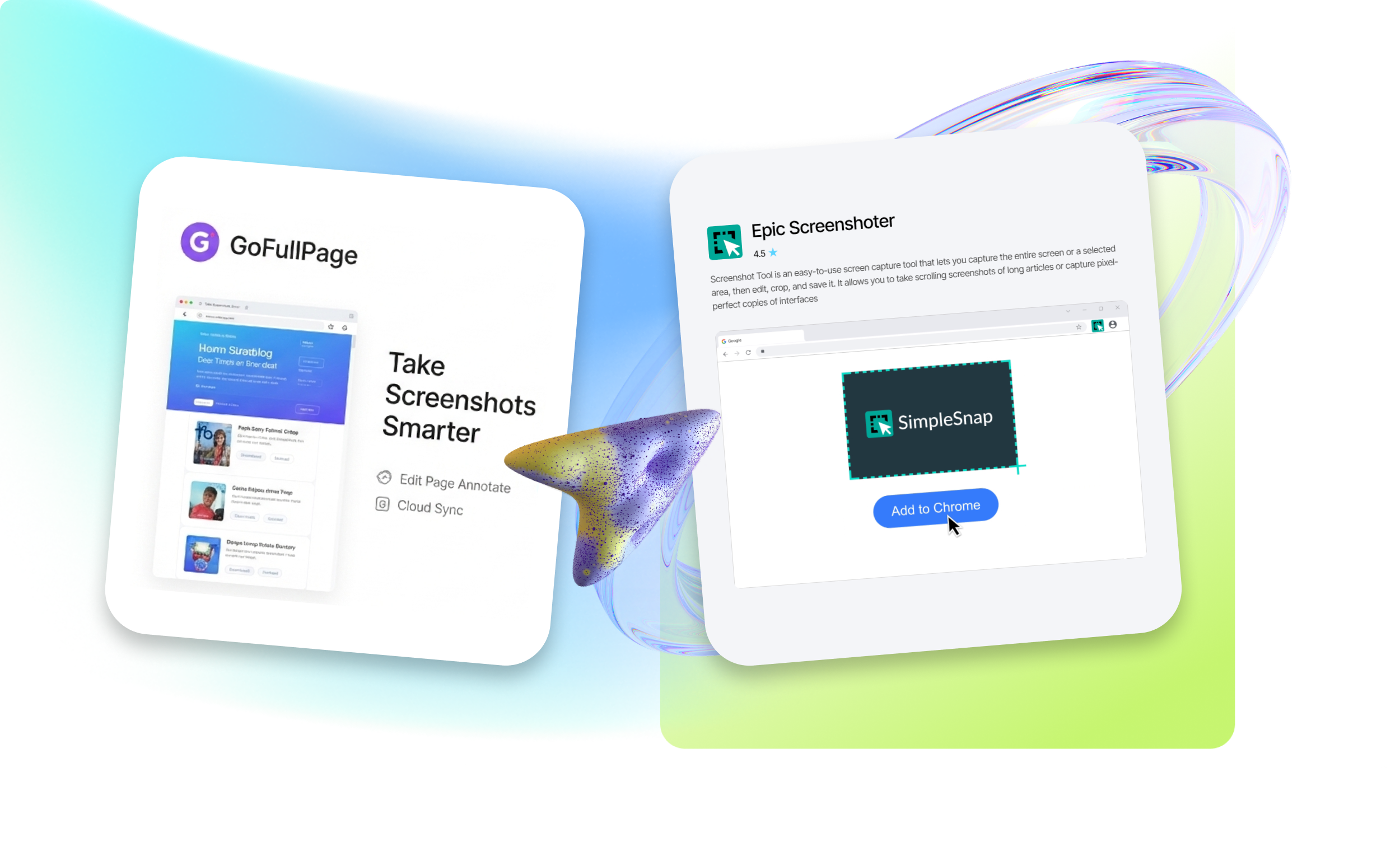
Full-page Screenshot Capture Extension
The EpicWebTool platform helps users consciously choose only reliable, high-quality screenshot apps.
We offer expert-validated Chrome extensions
A full page screenshot extension is a browser tool that allows you to capture an entire web page – not just the visible screen area. These extensions are available for multiple browsers, including Google Chrome, Mozilla Firefox, and Microsoft Edge. They are especially useful for web design and testing, training and tutorials, saving web pages, and working with documents.
Top full-page screen capture extensions that are useful for almost any Chrome user include:
GoFullPage – ideal for everyday use:
- one-click full-page capture;
- automatic scrolling and seamless stitching;
- export to PDF or image formats.
Full Page Screenshot – a minimal and fast option:
- captures full pages in one click;
- high-quality output;
- supports long pages;
- allows capturing selected areas.
SnapPage Pro – a more advanced tool for professional use:
- smart capture, including dynamic content;
- built-in editor.
FastScreenshot – a lightweight and privacy-focused solution:
- full-page capture with an integrated editor;
- processes data locally without uploading.
LongShot – a simple and free option for basic needs:
- captures long pages and infinite scroll;
- preview before saving;
- local processing without cloud usage.
Fast full-page screenshot capture
Key benefits of using entire page screen capture extensions:
- saves time (one click instead of multiple screenshots);
- convenient for both learning and professional tasks;
- useful for saving articles and documentation;
- effective for website testing and bug reporting.























