Professionals often view the browser as a “time tax.” The prevailing logic suggests that if a tool reduces the number of clicks required for a task, it must inherently reduce effort. This myth is particularly enticing for marketers, developers, and researchers who spend their days navigating endless tabs and forms. However, browser productivity is rarely a straight line from fewer actions to more output.
True efficiency involves balancing context switching, trust, maintenance, and performance—factors that frequently degrade when a tool attempts to over-simplify a complex workflow.
The Myth
“Browser tools that save steps are automatically better for productivity—because fewer clicks means less work.”
The Reality
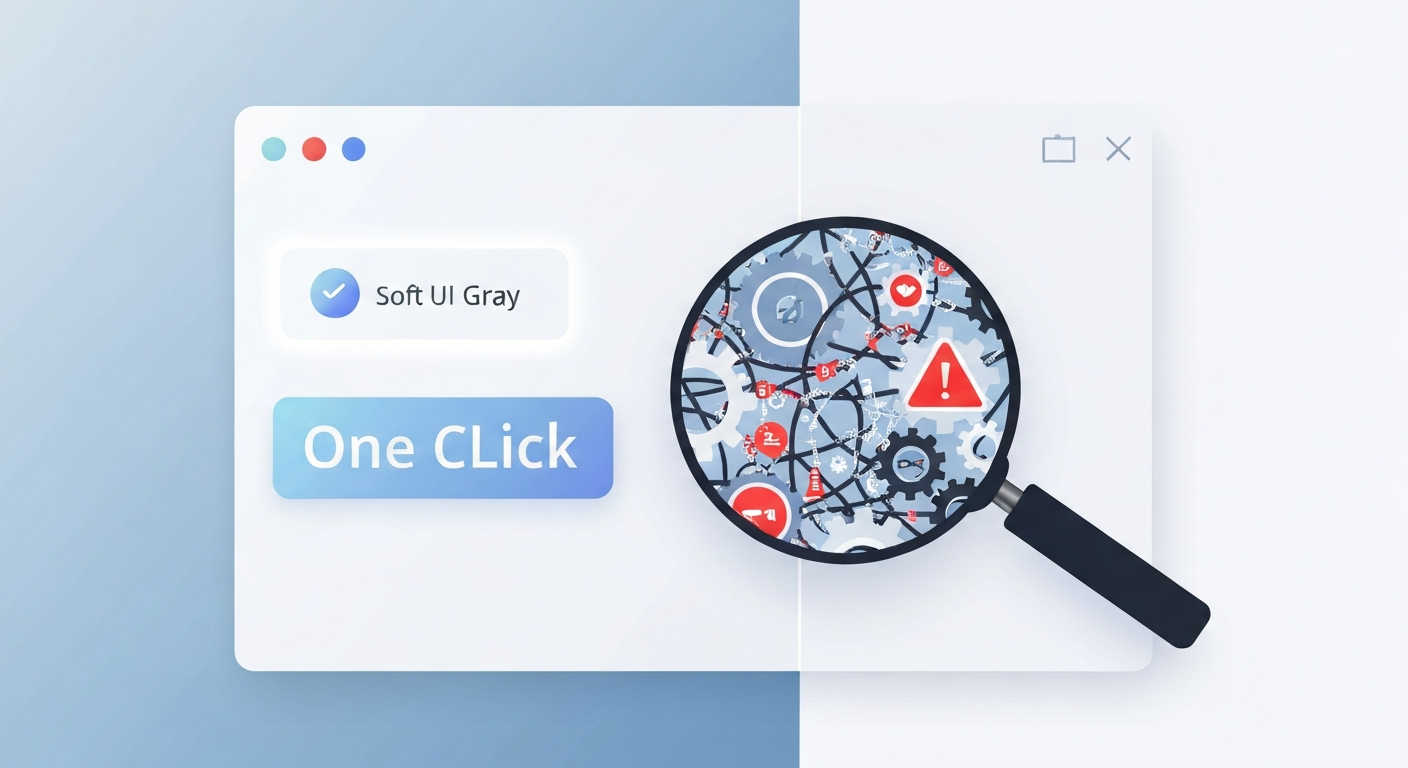
In practice, step-saving tools often shift the cost elsewhere. While you may click less during the primary action, you frequently spend more time managing side effects: confusing interface states, failed automations, inconsistent behavior across different sites, and slower page load times. The time saved in the “happy path” is often lost during the troubleshooting of edge cases.
| Focus Area | The Myth | The Reality | Practical Impact |
|---|---|---|---|
| Interaction | Fewer clicks | More troubleshooting | Unpredictable schedule |
| Speed | Faster tasks | Slower browser load | Reduced overall output |
| Complexity | Simpler UI | Hidden logic errors | Higher cognitive load |
| Security | Helpful access | Broad permissions | Increased “tool debt” |
Deep Dive: Why Efficiency Shifts
This phenomenon occurs because browsers operate as complex systems, not simple stopwatches. There are several reasons why “one-click” solutions can backfire:
1. Real-world Performance Trade-offs
Many extensions that promise to streamline workflows work by injecting scripts or intercepting network requests. This adds latency and increases CPU usage, especially on heavy web applications like CRM dashboards or analytics platforms. The specific action might feel faster, but the browser becomes sluggish overall.
2. The Shift of Complexity
Removing visible clicks increases invisible complexity. When a tool decides how to act on your behalf, it relies on assumptions about page layouts and site logic. When these assumptions fail—due to a site update or a unique UI state—the user is forced to debug the tool rather than simply completing the task.
3. Reliability and Trust
Step-saving is only valuable if it is 100% dependable. A tool that requires frequent manual correction becomes a productivity drain. Furthermore, extensions that automate actions often require broad permissions to read and modify data on all sites, leading to security concerns and “tool debt” where users must constantly audit the behavior of their own stack.
A Smarter Workflow Perspective
To achieve genuine productivity gains, treat every step-saving tool as a hypothesis rather than a guaranteed win. Consider these evaluation strategies:
- Measure the total cycle: Track the time spent on setup and recovery, not just the execution of the shortcut.
- Prioritize determinism: Prefer tools that use stable selectors and explicit inputs over those that rely on “clever” heuristics or guessing.
- Audit reliability: If a tool misfires once a day, the cognitive cost of double-checking its work may outweigh the seconds it saves.
Common Mistakes to Avoid
Professionals often fall into predictable traps when trying to optimize their browser experience:
Installing “Click Reducers” Without Data
Many users track the “happy path” where the tool works perfectly but ignore the “correction path” where they spend five minutes fixing an automated error.
Trusting Popularity Over Fit
A popular extension may be well-reviewed but bloated for your specific needs. Popularity is not a proxy for reliability on your specific DOM patterns and site requirements.
Building Complex Workflows Inside Extension State
When your entire workflow is controlled by the internal state of an extension, you lose the resilience of manual recovery. If the extension crashes or updates, your entire process stalls.
Conclusion
The core insight is simple: productivity is the sum of time, reliability, cognitive load, and recovery cost. Fewer visible clicks do not automatically equate to less friction. At EpicWebTool, we believe in evidence-based workflow decisions. Choose tools that reduce friction end-to-end, ensuring your browser remains a high-performance engine rather than a cluttered collection of fragile shortcuts.
Frequently Asked Questions
Are all one-click browser extensions bad for productivity?
No, but they are situational. They are most effective when they perform deterministic tasks with clear feedback. They become a net negative when they introduce “magic” logic that requires frequent manual verification.
How can I tell if an extension is slowing down my browser?
Most modern browsers have a built-in Task Manager (Shift+Esc in Chrome) that shows memory and CPU usage per extension. Monitor this while performing your usual tasks to see the actual performance cost.
What is “tool debt” in a professional workflow?
Tool debt refers to the cumulative overhead of maintaining, updating, and auditing the permissions of various productivity tools. Over time, the effort required to manage the tools can exceed the time they actually save.