
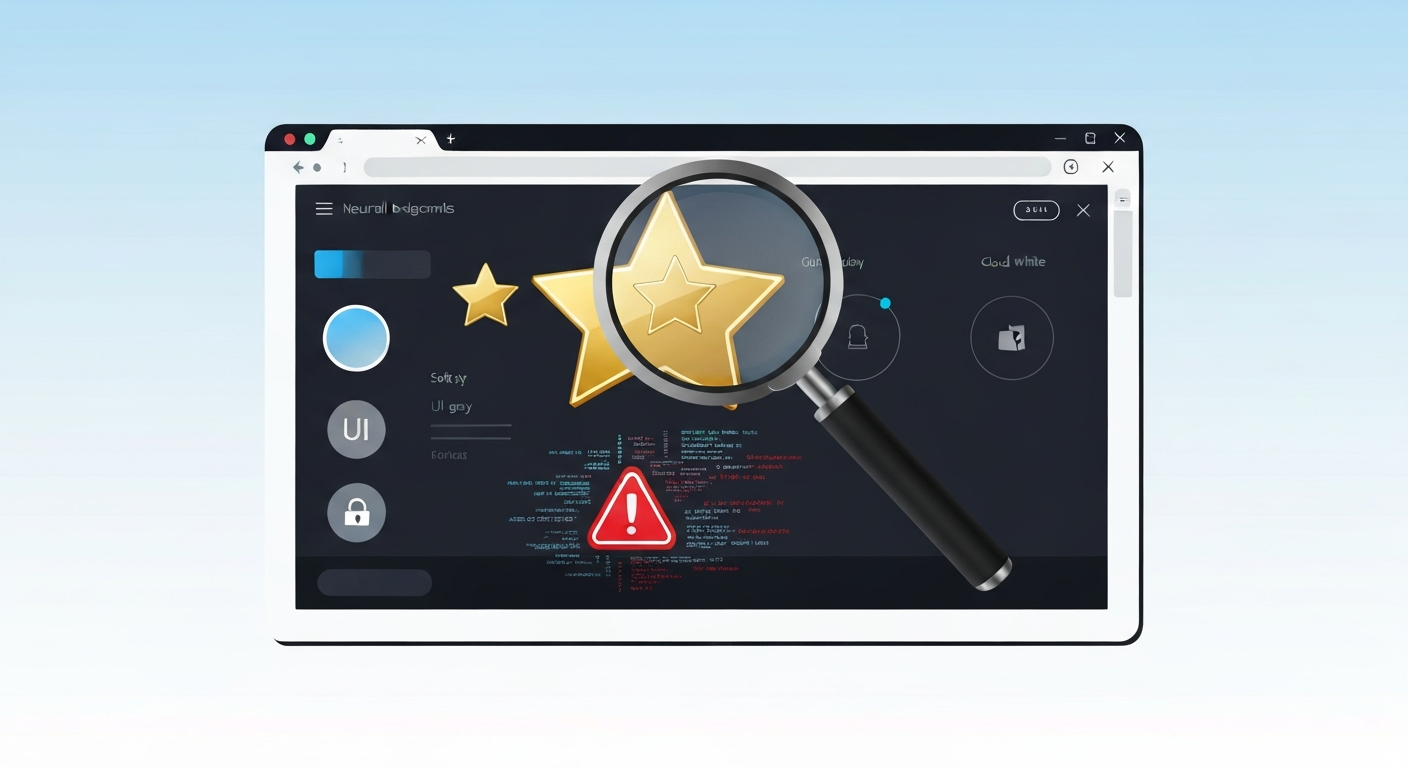
The Reality Behind Chrome Web Store Ratings
Chrome Web Store reviews feel reassuring: lots of written feedback, a star rating, and the assumption that “many users would have complained” if something were wrong. For busy professionals—marketers, developers, founders, and remote workers—this becomes a shortcut for risk assessment. The problem is that reviews are rarely a substitute for security reality. In day-to-day browser workflows, a tool can appear “well-reviewed” while still collecting more data than you expect, breaking quietly under specific sites, or degrading performance in ways people only notice after long use.
Myth
“If an extension has good reviews on the Chrome Web Store, it must be safe.”
Reality
Reviews measure user satisfaction, not threat modeling. An extension can receive positive ratings while still being risky, brittle, or resource-heavy.
| Common Myth | Security Reality | Practical Impact |
|---|---|---|
| High ratings equal safety | Ratings track UX, not code | Data privacy leaks |
| Popularity means security | Targets for supply chain attacks | Malware via updates |
| Store vetting is absolute | Automated scans miss nuances | Resource & CPU drain |
Why User Reviews Are Unreliable Security Signals
Safety is contextual, not universal. A “safe” extension depends on your specific workflow. If you are logged into internal dashboards, an extension that can read page content behaves differently than it would on a generic marketing site. Reviews are usually written for someone else’s context and priorities.
Furthermore, tool design often optimizes for perceived value rather than minimal access. Many extensions justify functionality by requesting broad permissions, such as “read and change data on websites you visit.” Users rarely evaluate these permissions deeply because the immediate performance impact isn’t obvious.
Finally, the attack surface changes after updates. Chrome extensions evolve; a popular tool might add trackers or new API calls months after you read those glowing five-star reviews. Safety is a moving target, while reviews are merely a historical snapshot.
How to Vet Browser Extensions Like a Pro
If you rely on browser tools professionally, treat extension reviews as starting points, not proof. You must evaluate tools with a technical eye, focusing on what the software is capable of doing rather than what its marketing claims.
Common Mistakes in Extension Management
- Installing too many extensions: A cluttered set increases conflict risks and cumulative performance drag.
- Trusting popularity: A high rating doesn’t reveal hidden background network requests.
- Ignoring permissions: Broad host permissions are a core security vulnerability, not a minor detail.
- Over-automating: Relying on extensions for critical financial or data forms increases the cost of tool failure.
Building a Professional Tool Hygiene Routine
Treat browser extensions like production dependencies. Remove extensions you haven’t used in weeks and re-check permissions after major updates. Monitor your browser performance—CPU spikes and page latency changes are often the first sign of an unhealthy tool design. Professionals should prefer approaches that lower exposure, such as using separate browser profiles for sensitive client work and general research.
In conclusion, breaking this myth is about shifting your mindset from “rating confidence” to “capability verification.” The productivity win isn’t collecting more tools; it’s selecting fewer tools and evaluating them like responsible software.
Frequently Asked Questions
Does Google scan extensions for malware?
Yes, Google uses automated scanners and some manual review, but these processes focus on malicious code rather than poor data privacy practices or performance degradation.
Can a safe extension become dangerous later?
Absolutely. Through “supply chain attacks” or ownership changes, a reputable extension can be updated with tracking scripts or new permission requirements without the user’s immediate knowledge.
How can I see what an extension is actually doing?
You can use the Chrome Task Manager to monitor CPU/RAM usage or inspect network traffic via DevTools to see if an extension is sending data to unknown third-party servers.
Article by Lars Erik Rydberg, Lead Researcher at EpicWebTool.























